
Viswanath
Data Engineer Consultant · Capgemini
★★★★★
“I just share my idea, and ProPost turns it into a professional LinkedIn post. It makes content creation simple and effortless. ❤️”
Draft with your Voice DNA or Brand DNA. Create, review, and publish LinkedIn content that stays true to your voice.
7-day trial · No card required

3 invited reviews on this page
From people we invited
Private invites. Human review. Published only when the note is real.
Viswanath
Data Engineer Consultant · Capgemini
★★★★★
“I just share my idea, and ProPost turns it into a professional LinkedIn post. It makes content creation simple and effortless. ❤️”
Chaitra
Process Specialist · Cargill
★★★★★
“I just speak my idea, and ProPost turns it into a great LinkedIn post. Simple and effortless!”
Ryan Mitchell
Founder
★★★★★
“ProPost makes content creation so much easier. I can capture an idea in seconds and turn it into a professional post without the hassle”
Who it's for
One professional studio — clear destinations. Personal Voice DNA, multi-client workspaces, and Brand DNA for pages.
Individuals
Consultants, coaches, founders, and operators — draft in Voice DNA, approve every line, or go Unlimited.
Explore Individual →Groups
Seats, multiple LinkedIn logins, and workspaces — in-house and agency teams keep each brand’s voice and destination distinct.
Explore Group plans →Company pages
Company pages require a Group plan (Company, Business, or Agency). Individual plans cover one personal profile.
See page plans →Why Propost
An innovative LinkedIn operating layer — DNA, score, destination, and a permanent gate. Built for professional teams, not generic AI writers.
Connect LinkedIn and define your Voice DNA or Brand DNA. Every post stays true to your style.
Generate, refine, and score every post for stronger hooks, clearer messaging, and better engagement.
Review, edit, and approve every post before it reaches LinkedIn. You stay in control.
Manage personal profiles, company pages, and client brands from one organized workspace.
The studio
From first draft to published post — schedule, media, comments, analytics, seats, and integrations — still behind the same approval gate.
Queue to profile or page. Best-time slots and Fill this week keep the calendar governed.
Images, video, GIFs, and native carousels — attached only after the copy is approved.
Reply and like LinkedIn comments from one pane, in the same voice you publish with.
Impressions, clicks, and engagement synced so teams see what actually landed.
Seats, roles, and invite links. Approvers and clients greenlight without mixing brands.
Capture fragments when they hit. Pull them into drafts later — nothing auto-publishes.
Draft, schedule, and publish triggers for the rest of the stack — still behind approval.
Optional cadence from DNA and topics. Every draft still waits for a human gate.
Create hub
Pick the path that matches how you think — Propost drafts in your Content DNA either way.
Topic to a full draft in Voice DNA — hook, body, CTA, ready to score.
Dump the thought. Beautify, hashtags, hook, or shorten — your words stay first.
Drop a finished post or rough notes. Rewrite for LinkedIn clarity, not a new voice.
Theme or article to angles, then expand only what is worth shipping.
Frameworks and bullets become professional variants you choose — then approve.
How it works
From idea to published post — with approval as the permanent enterprise gate.
01
Capture voice or brand once — role, tone, topics, samples, never-say.
02
Create from an idea, My Mind, paste, sparks, or notes — then review the score.
03
Edit the line that matters, attach media, greenlight only when it is ready.
04
Profile or company page — LinkedIn only sees what you explicitly approve.
From the blog
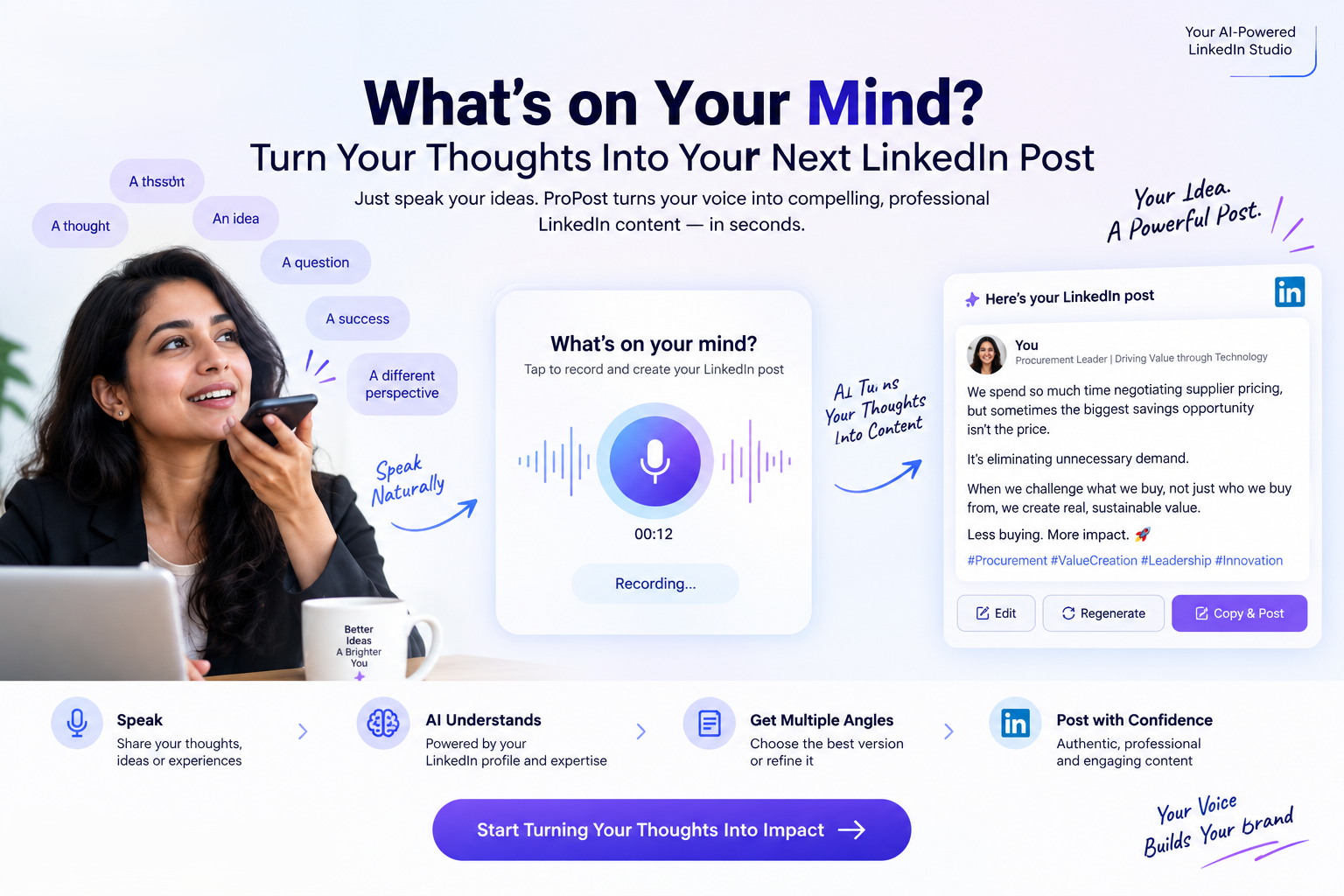 LinkedIn & Personal BrandingWhat’s on Your Mind? Turn Your Thoughts Into Your Next LinkedIn Post
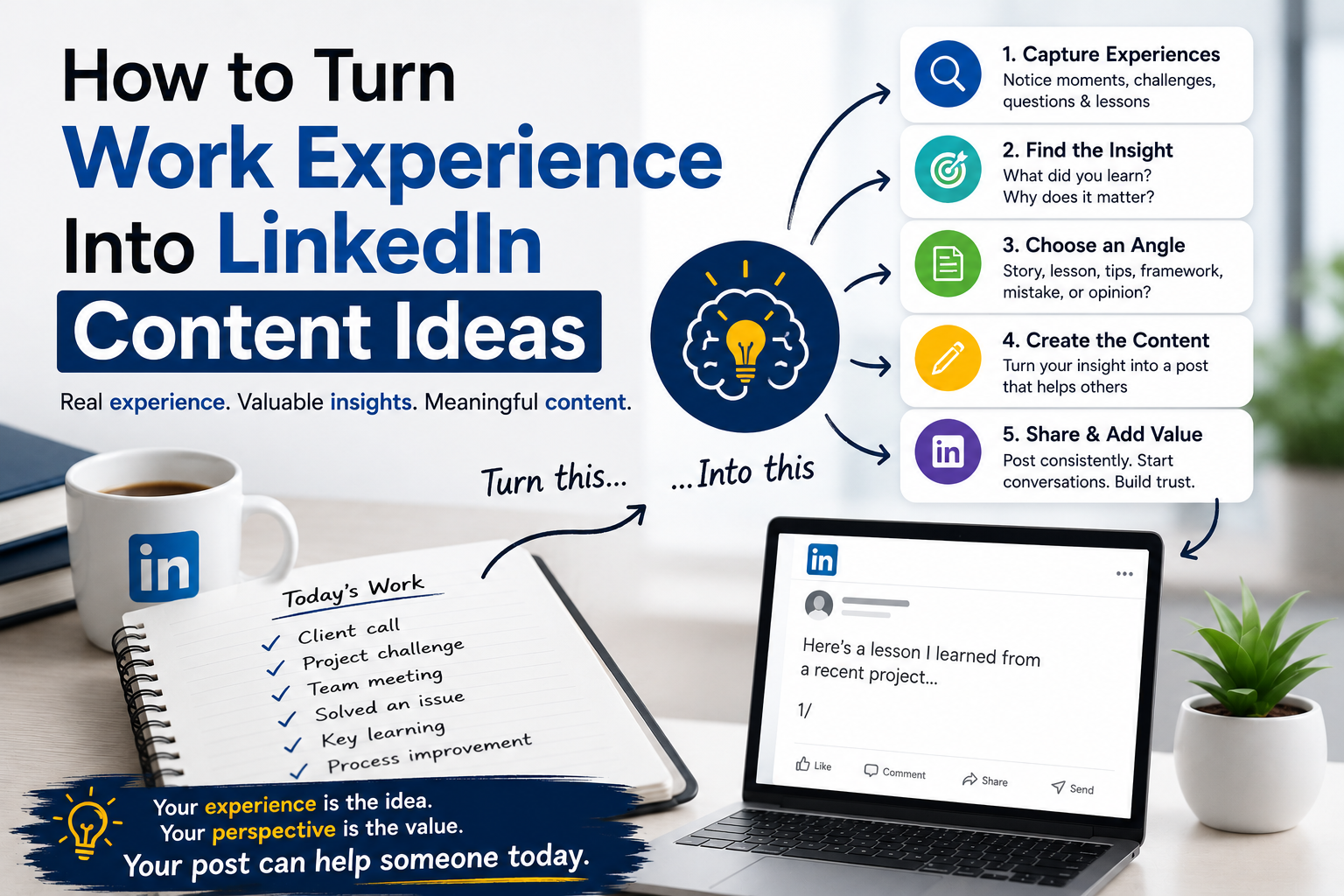 LinkedIn Content StrategyHow to Turn Your Work Experience Into LinkedIn Content Ideas
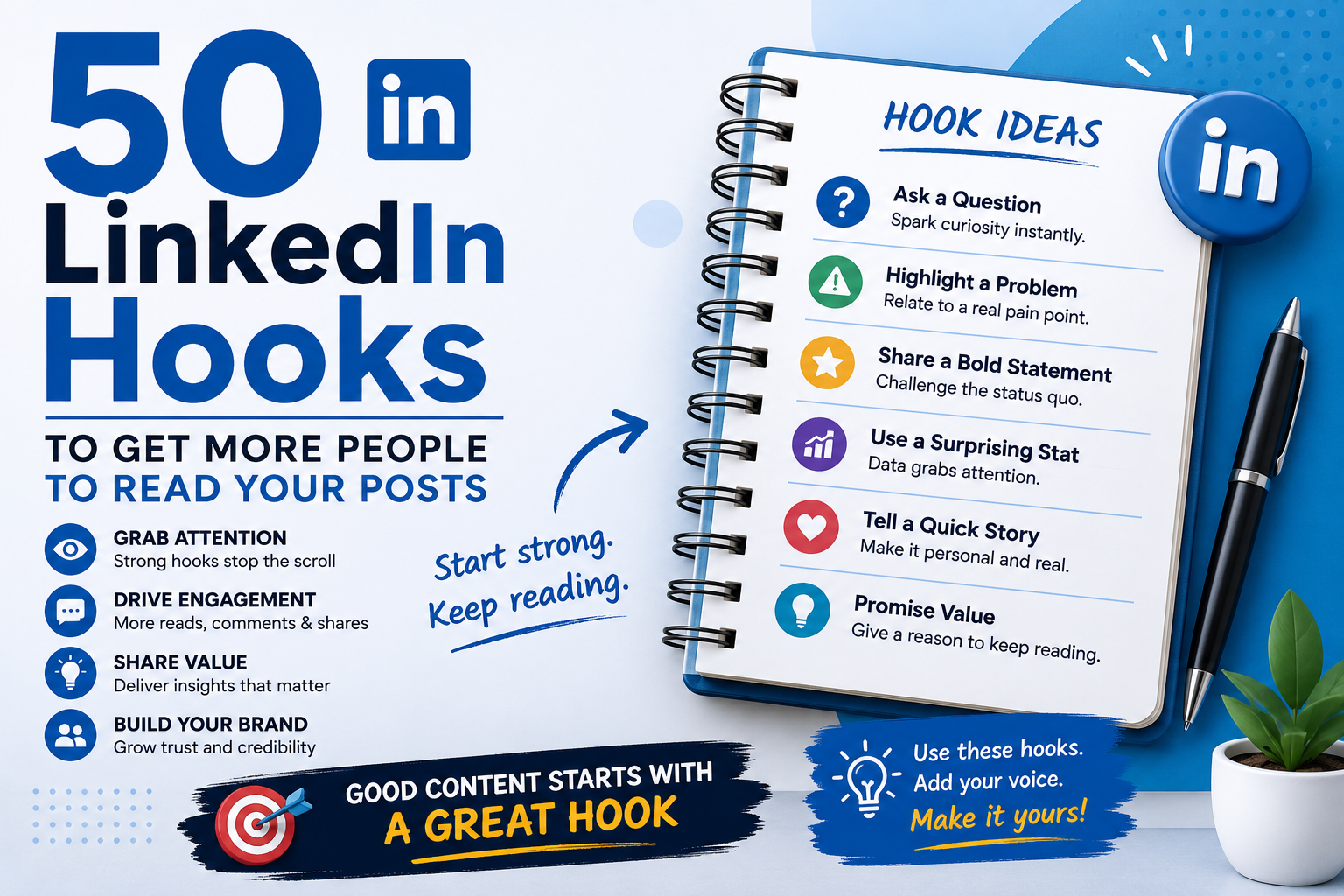 LinkedIn Content StrategyTitle 50 LinkedIn Hooks to Get More People to Read Your Posts
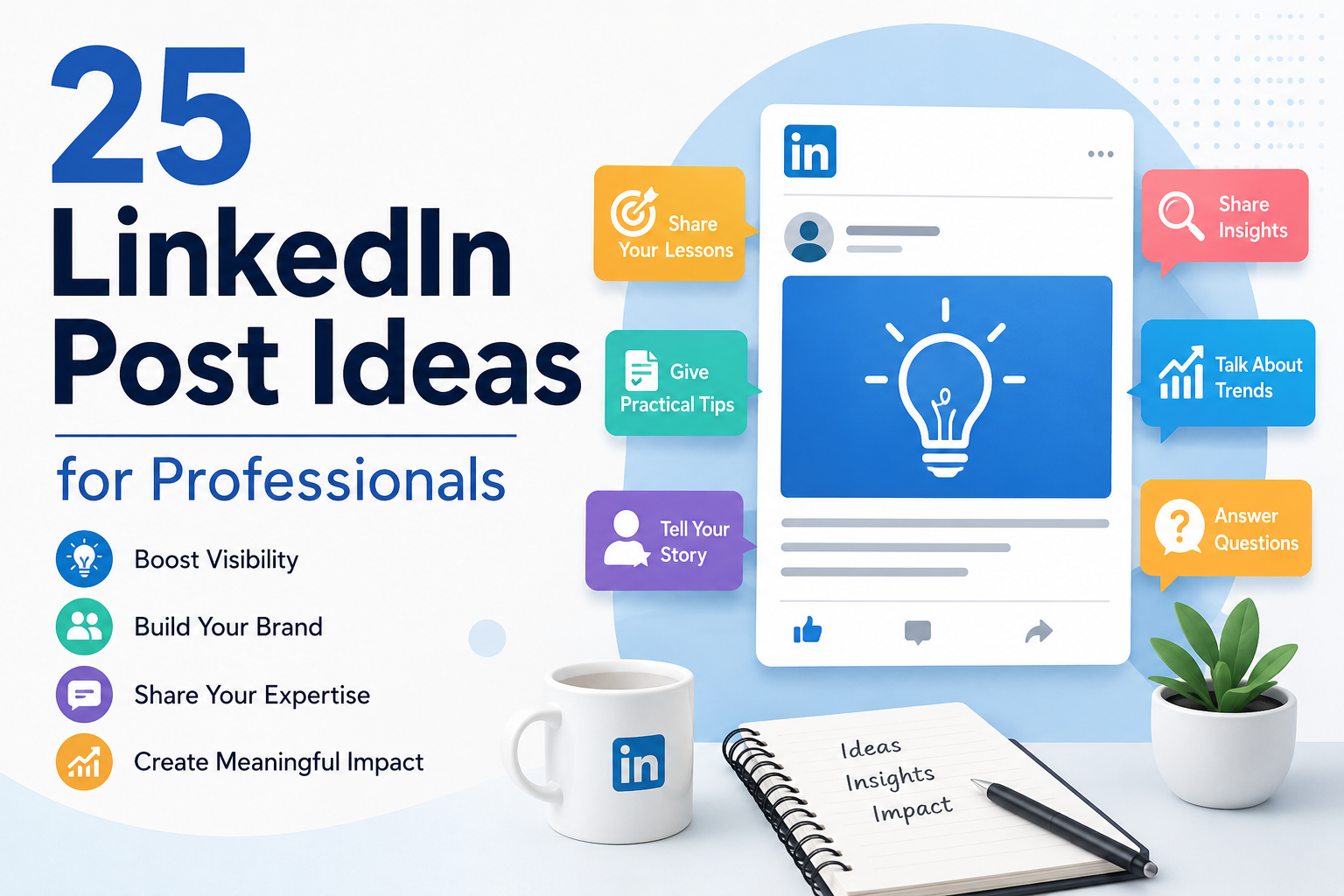 LinkedIn Content Strategy25 LinkedIn Post Ideas for Professionals Who Don't Know What to Post
 LinkedIn Content StrategyHow to Write LinkedIn Posts That Sound Like You, Not AI
FAQ
Plans, company pages, and what happens before anything reaches LinkedIn.
Both. Individual plans cover one personal brand. Group plans — Company, Business, and Agency - unlock seats, multiple LinkedIn logins, pages, and per-client Content DNA.
Yes - 7 days with 7 drafts. No card required. Trial includes company-page features (one LinkedIn login).
No. Drafts inherit Voice DNA or Brand DNA - tone, topics, samples, and never-say rules - before you review them.
Each LinkedIn login and company page is a workspace with its own DNA and publish destination - so voices don’t mix. Company, Business, and Agency scale seats and logins.